Firmware Flashing
Instructions
If you need to update the firmware version of the ICRobot robot, please refer to this document for detailed instructions.
Steps
|
|
|---|---|
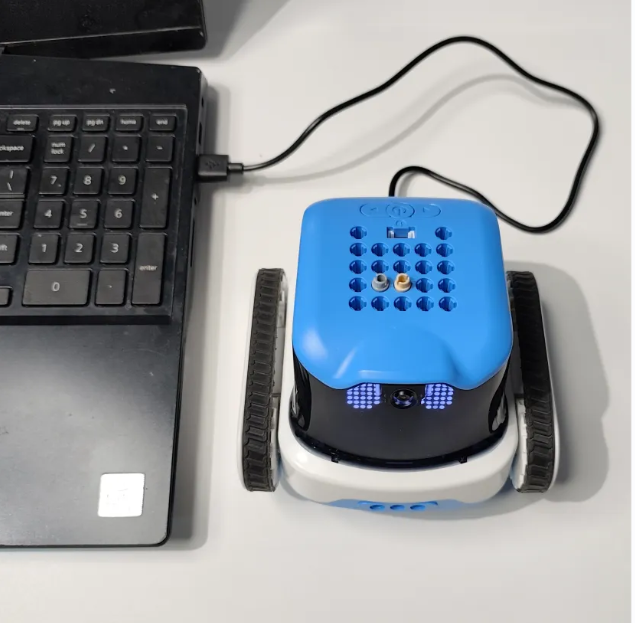
Step 1: Connect the device. Plug the ICRobot into the computer and power it on. |
|
|
|
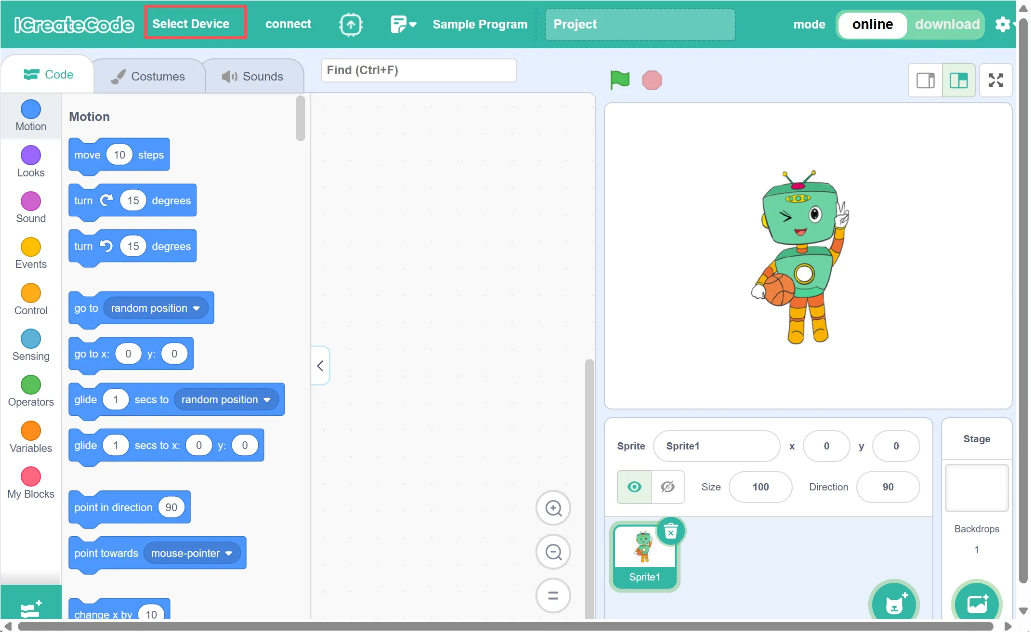
Step 2: Open the software and click “Select Device.” |
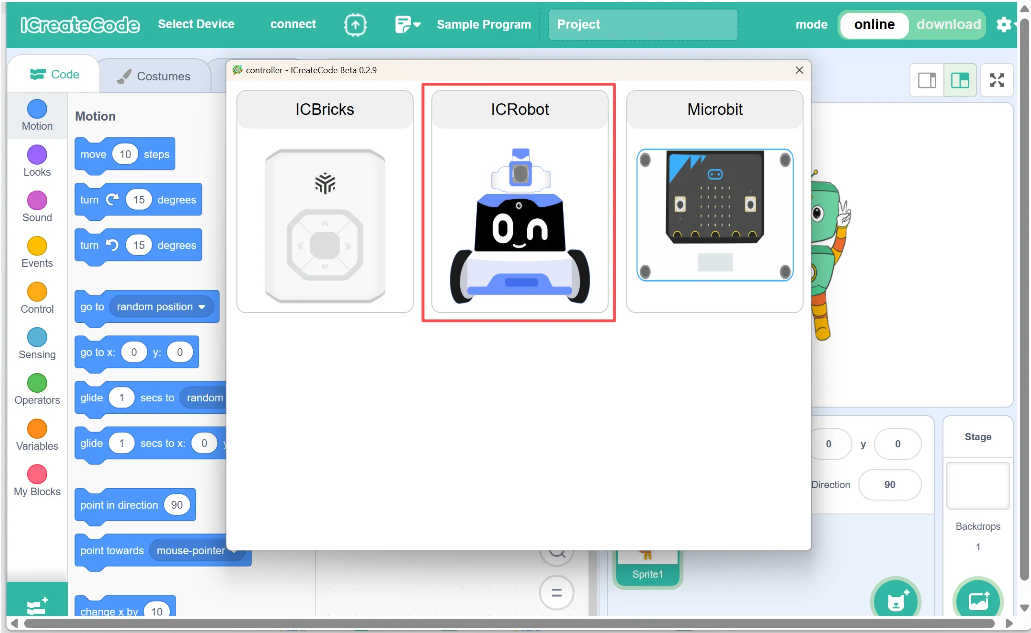
Step 3: Choose “ICRobot.” |
|
|
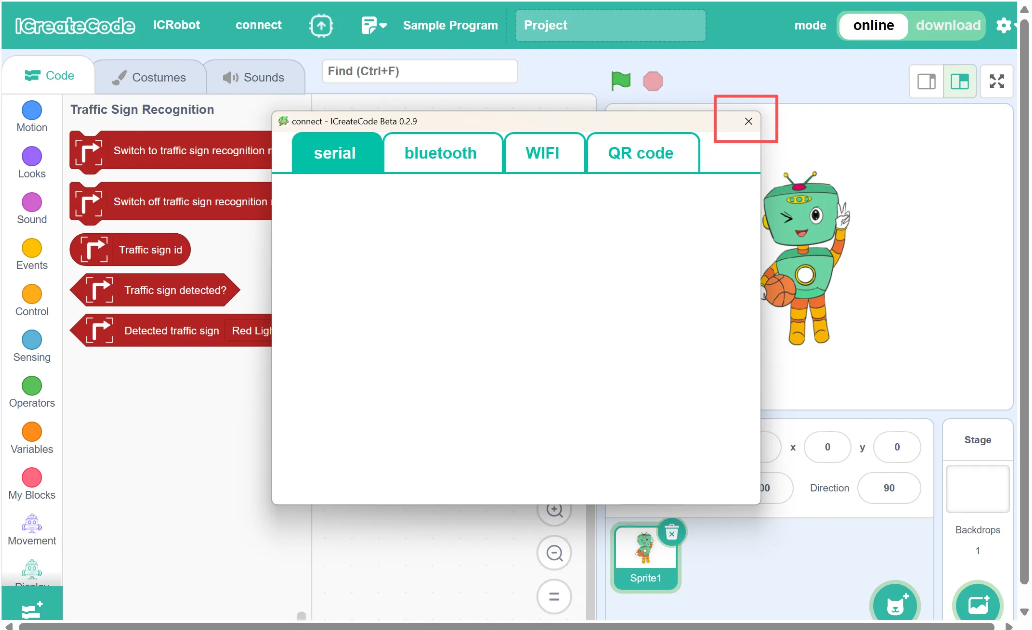
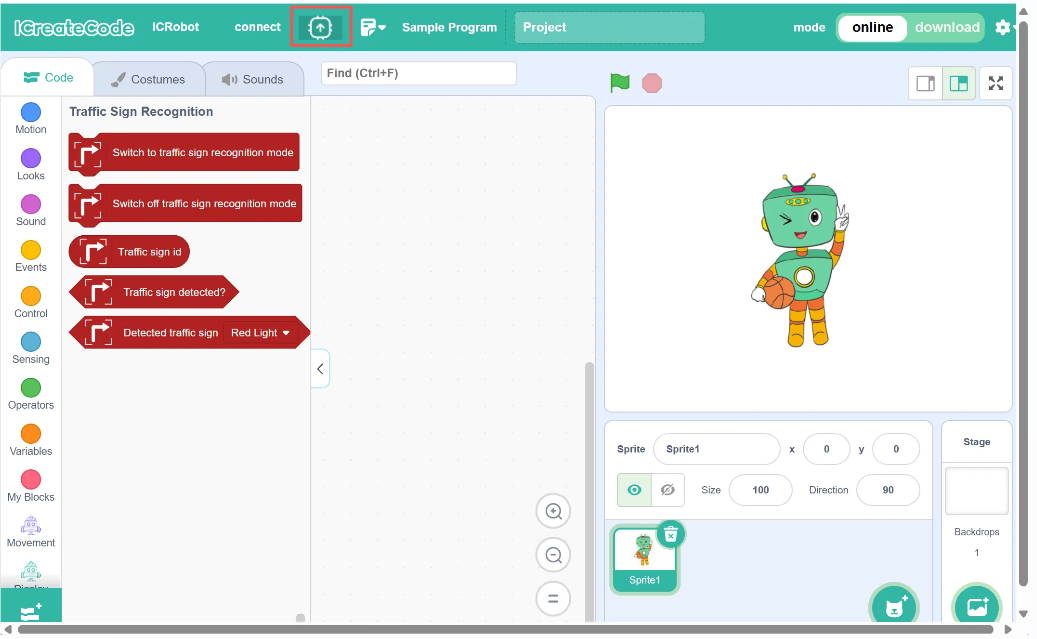
Step 4: Close the connection method directly. |
Step 5: Select the “Firmware Burning” option. |
|
|
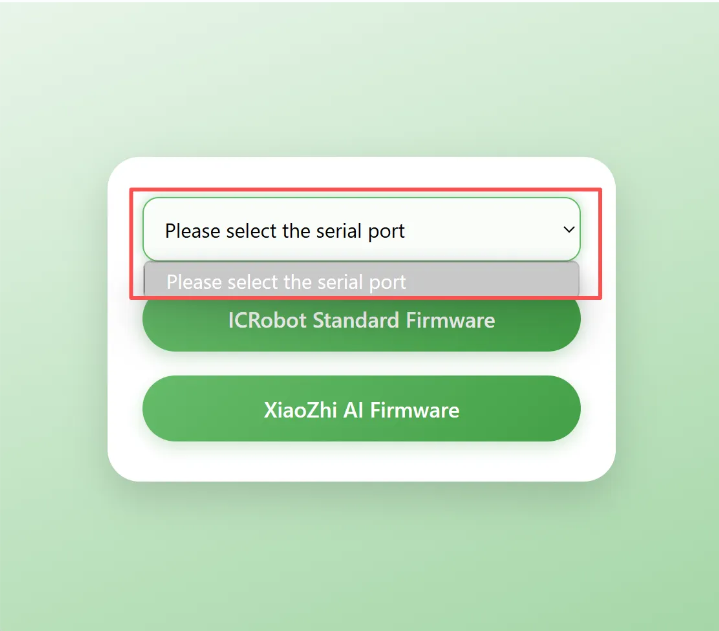
Step 6: Choose the correct COM port for firmware burning. |
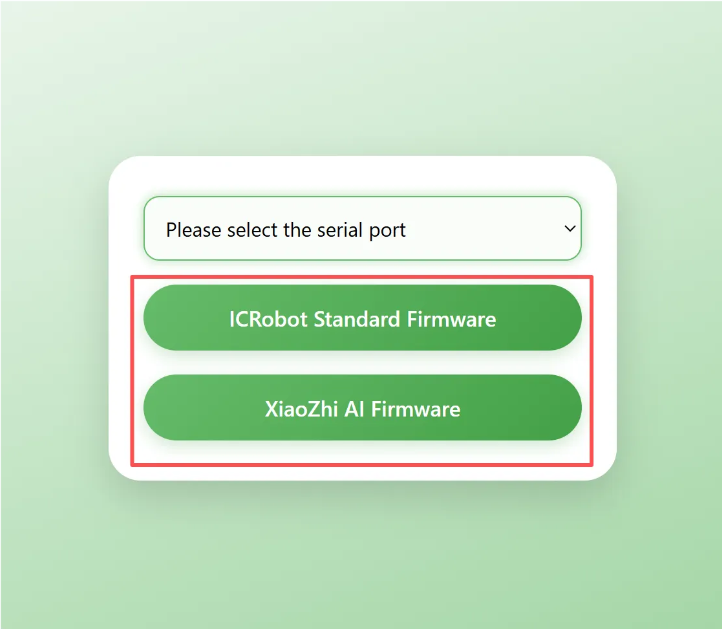
Step 7: Select the firmware type to be flashed: Default Flashing — Standard firmware version. |
|
|
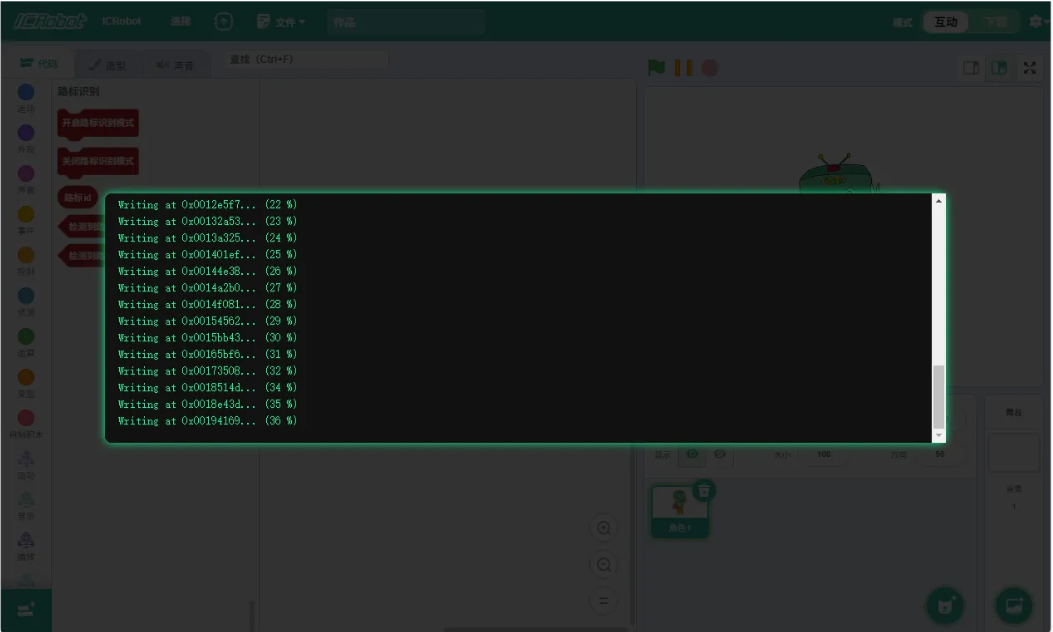
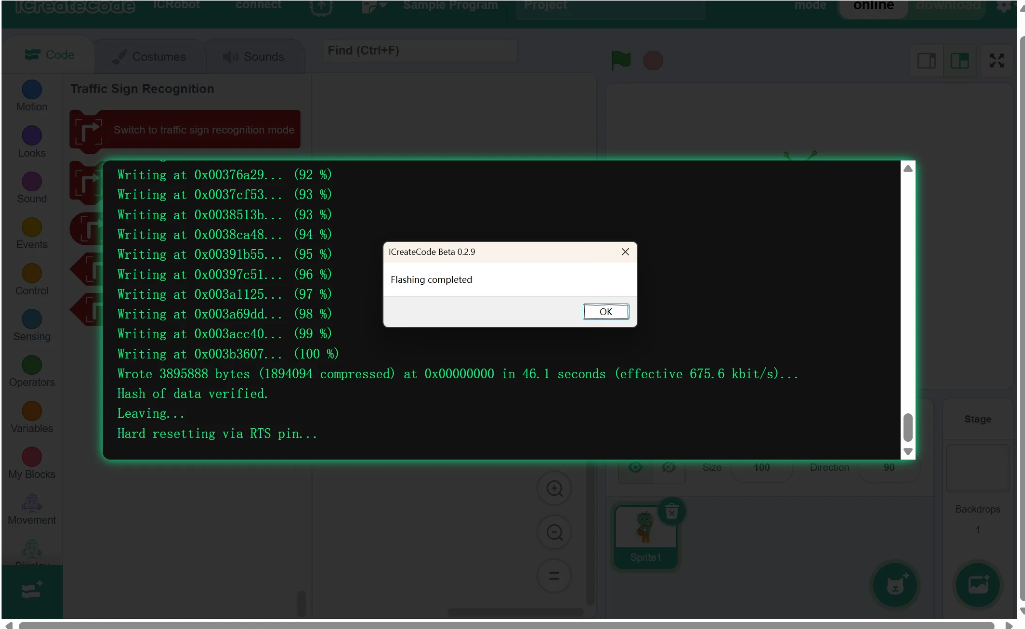
Step 8: No further action is needed — wait for the firmware flashing to complete. |
Step 9: No further action is needed — flashing is complete. |