Bluetooth Remote Control Guide
Definitions
<
The ICRobot robot supports two Bluetooth connection methods:
Bluetooth connection to the programming software
Bluetooth connection to a gamepad
Software Interaction
Preparation
|
|
|---|---|
ICRobot |
ICRemote |
Software Download
The programming software installation package (for Android devices) can be downloaded by scanning the QR code below or by visiting the following website.
Operating Procedure
|
|
|---|---|
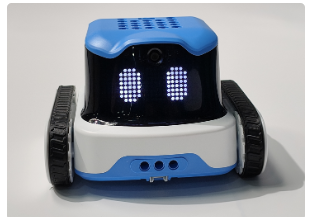
Step 1: Power on the ICRobot. |
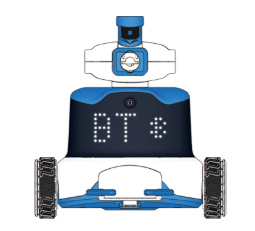
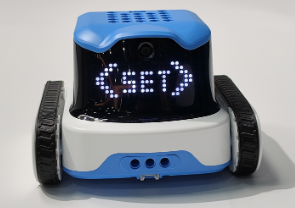
Step 2: Press the Left Button repeatedly until the screen displays |
|
|
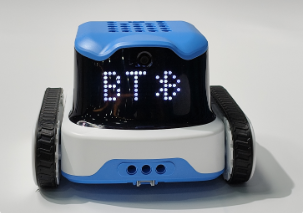
Step 3: In the settings mode, press the Left Button or Right Button to select the connection mode. When BT is displayed, press the Middle Button to confirm |
Step 4: No manual operation is required. The ICRobot will automatically provide a voice prompt. |
|
|
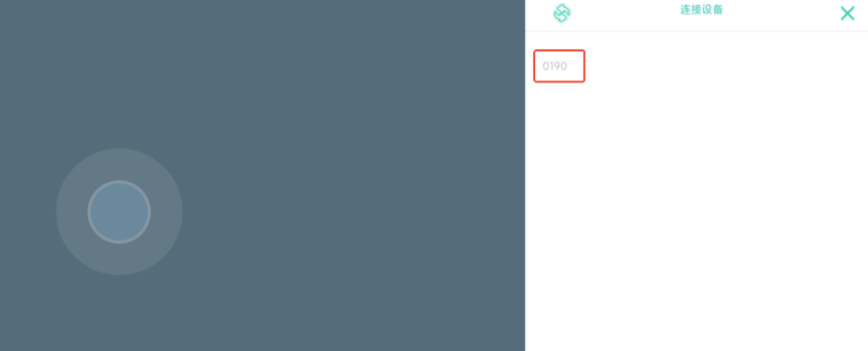
Step 5: Open the Android application and tap the Bluetooth button to search for available devices. |
Step 6: Select the device name to establish the Bluetooth connection. |
|
|
Step 7: No manual operation is required. The ICRobot will provide a voice prompt indicating the connection status. |
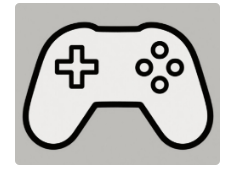
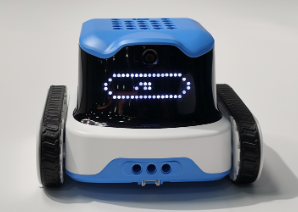
Step 8: According to the program selection instructions, switch to Program 4. When the screen displays the controller icon, the program is ready. |



Bluetooth Controller Interaction
Preparation
|
|
|---|---|
ICRobot |
Multi-Function |

Procedure
|
|
|---|---|
Step 1: Power on the ICRobot. |
Step 2: Press the Left Button repeatedly until the screen displays |
|
|
Step 3: In the settings mode, press the Left Button or Right Button to select the connection mode. When BT is displayed, press the Middle Button to confirm |
Step 4: No manual operation is required. The ICRobot will automatically provide a voice prompt. |
|
|
Step 5: Follow the Bluetooth Controller Pairing Instructions to pair the Bluetooth controller with the ICRobot. |
tep 6: According to the program selection instructions, switch to Program 4. When the screen displays the controller icon, the program is ready. |