Component Usage Examples
Launcher
Usage Instructions
|
|
|
|---|---|---|
Launcher ×1 |
ICRobot ×1 |
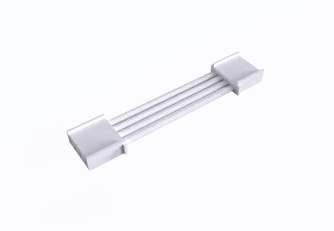
Grove Cable×1 |
Steps:
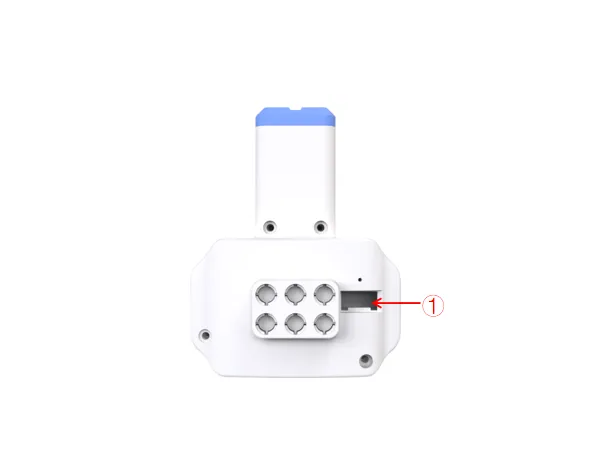
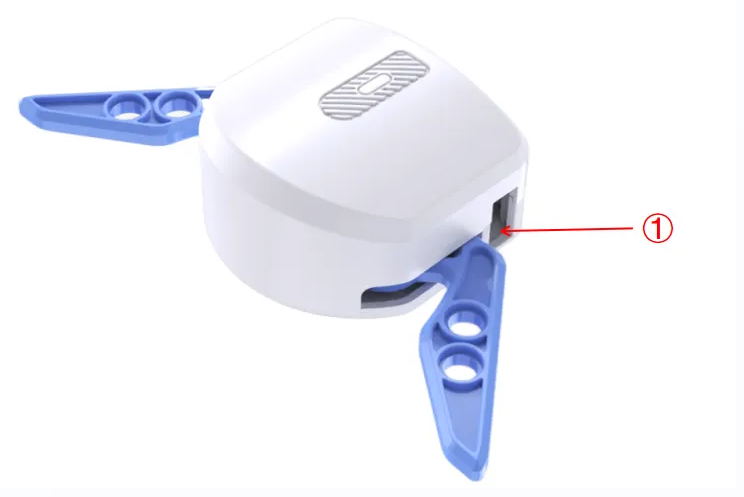
Insert one end of the Grove cable into the Grove port on the launcher (refer to position “①” above).
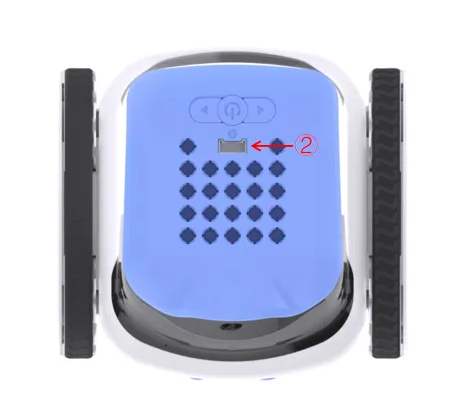
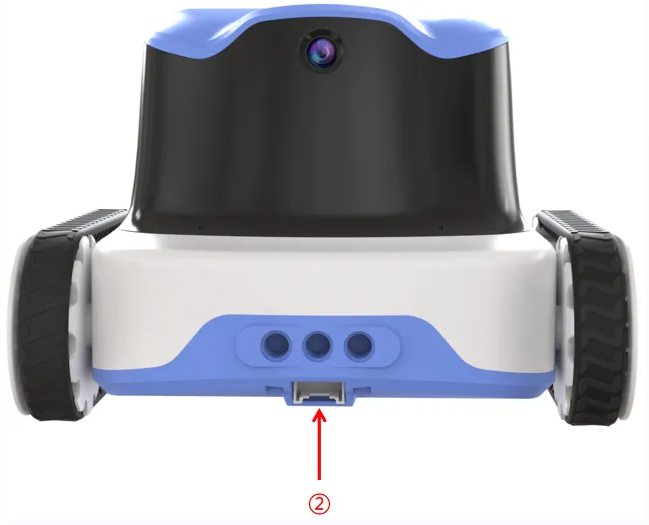
Connect the other end of the Grove cable to any Grove port on the ICRobot. In this example, we use Port 2 (refer to position “②” above).
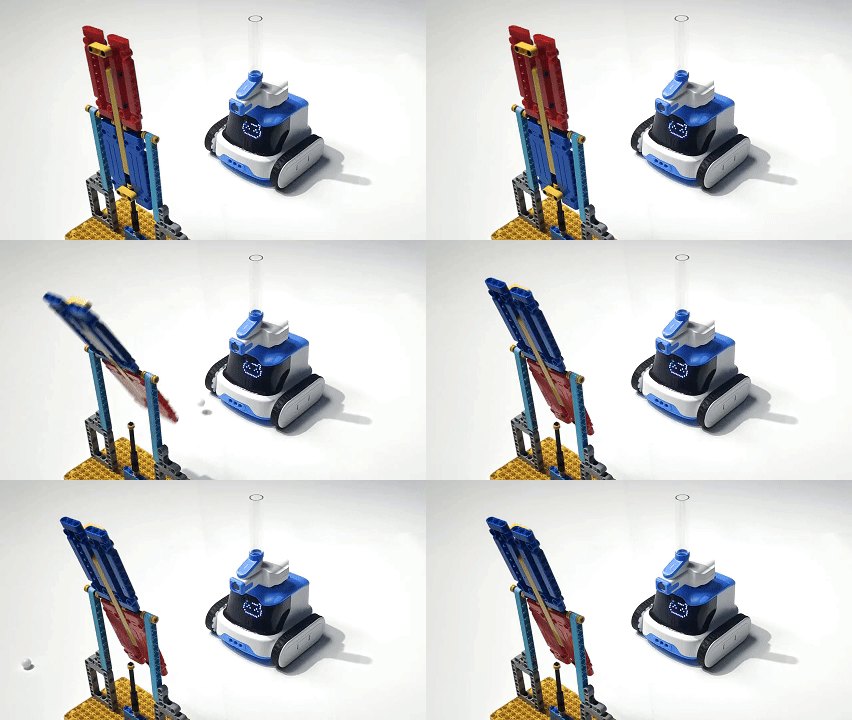
Example: Launching Marbles
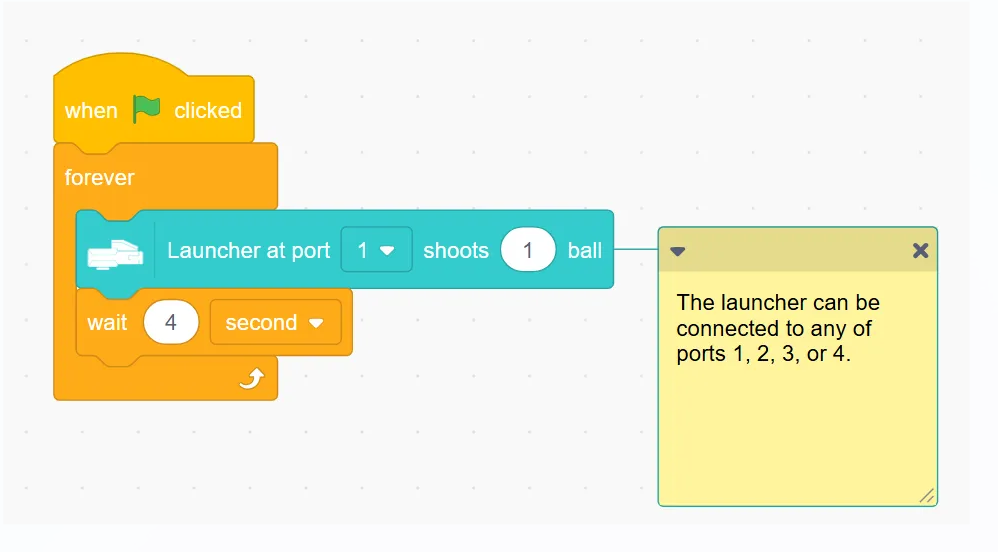
Program Description: When the green flag is clicked, repeat the execution: Launcher 1 launches 1 marble and waits for 4 seconds.
Program
Demonstration
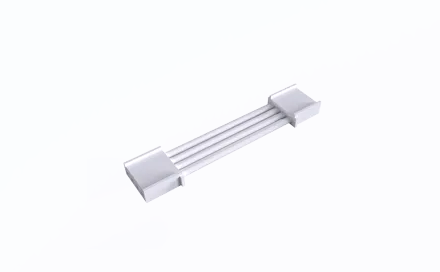
Robotic Gripper
Usage Instructions
Connections
|
|
|
|---|---|---|
Robotic Gripper ×1 |
ICRobot ×1 |
Grove Cable ×1 |
Steps:
Insert one end of the Grove cable into the Grove port on the launcher (refer to position “①” above).
Connect the other end of the Grove cable to any Grove port on the ICRobot. In this example, we use Port 2 (refer to position “②” above).
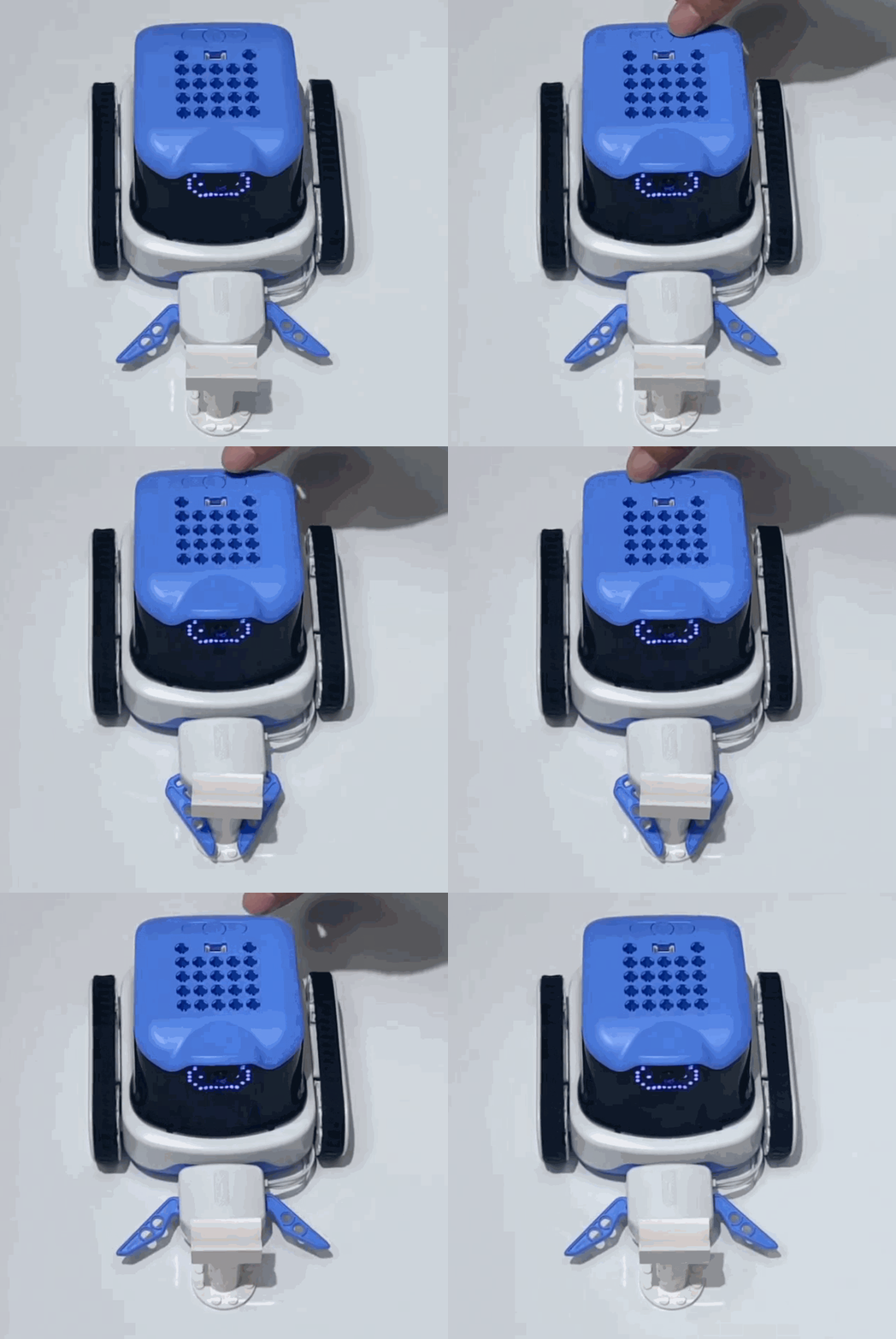
Program
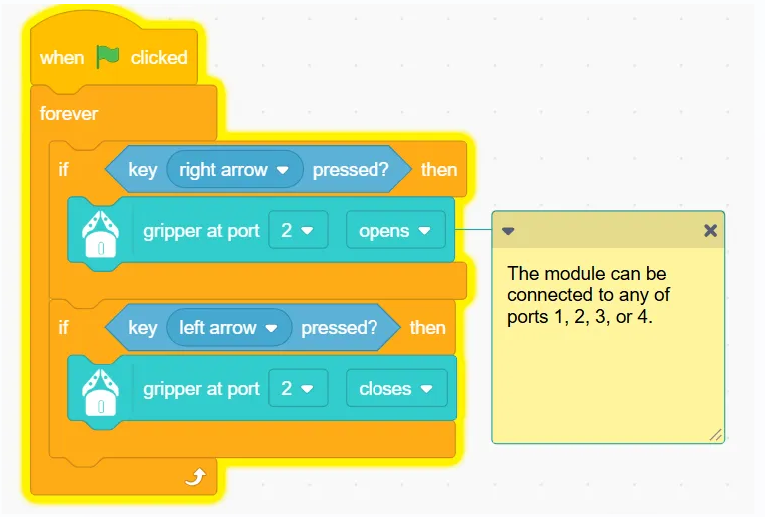
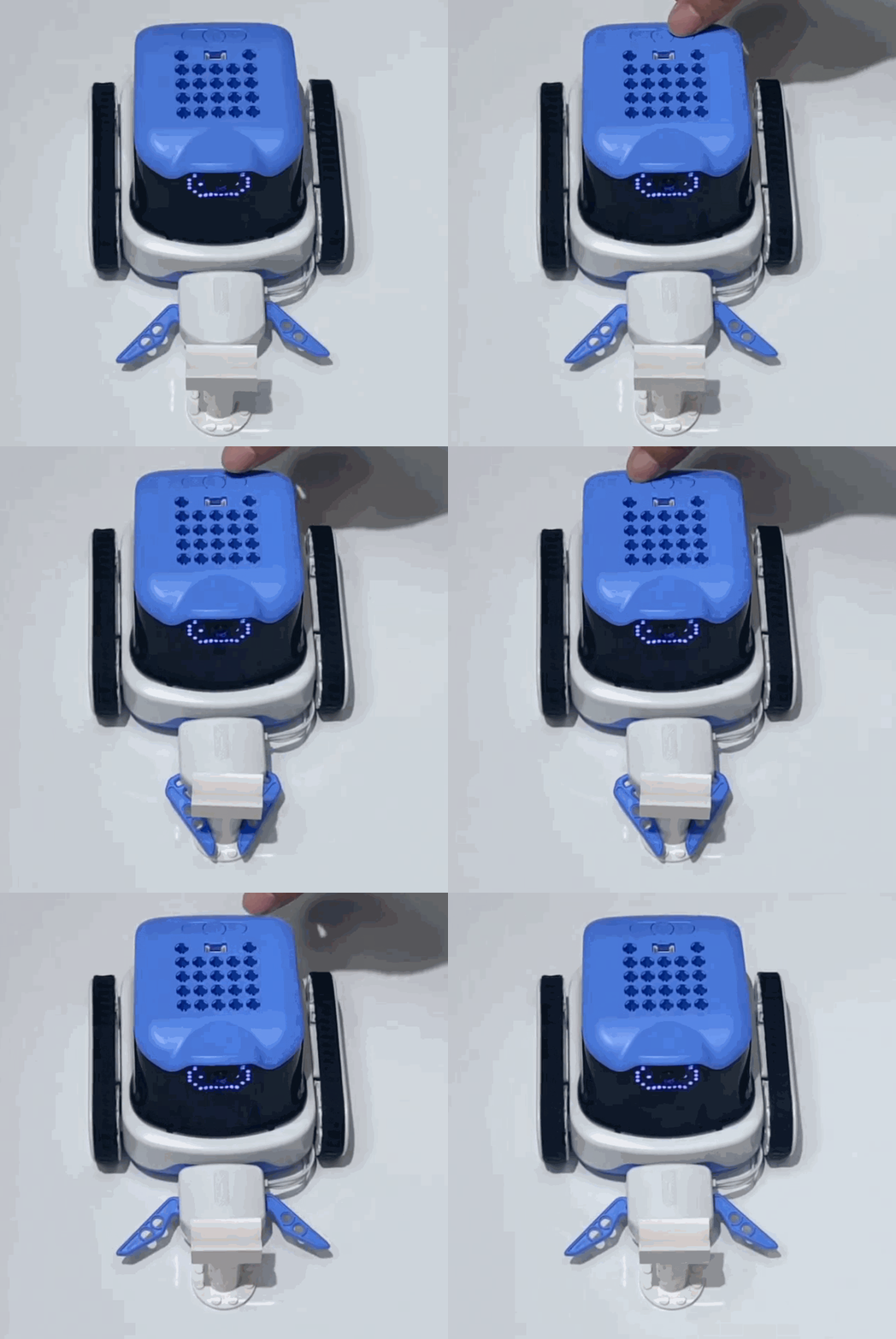
Demonstration
LED Matrix Display
Example: Dot Matrix Display “ICROBOT”
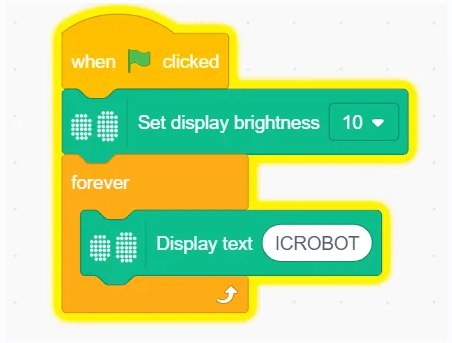
Description: When the green flag is clicked, set the brightness of the dot matrix screen to 10 and repeat the execution to display the text “ICROBOT” character.
Program
Demonstration
Camera
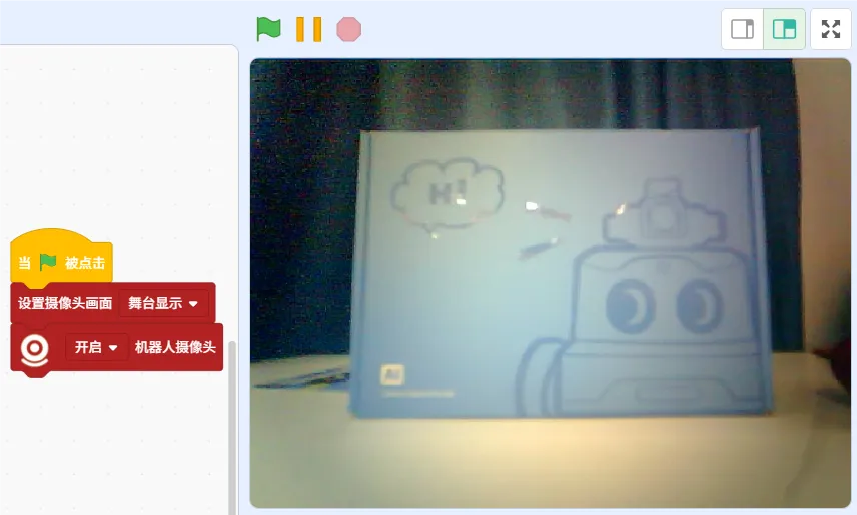
Example: Stage area displaying camera screen
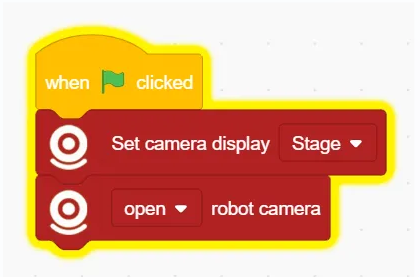
Program description: When the green flag is clicked, set the camera screen loaded stage display and then turn on the robot camera.
Program
Demonstration
Movement Module
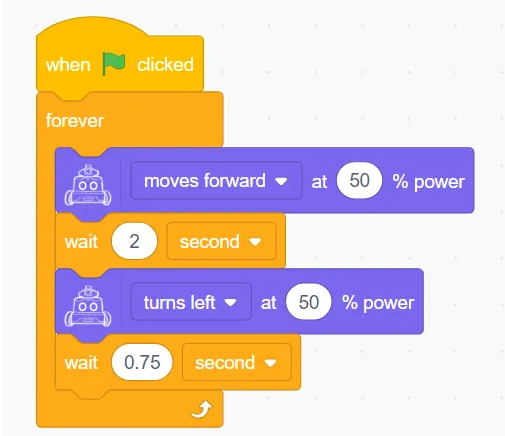
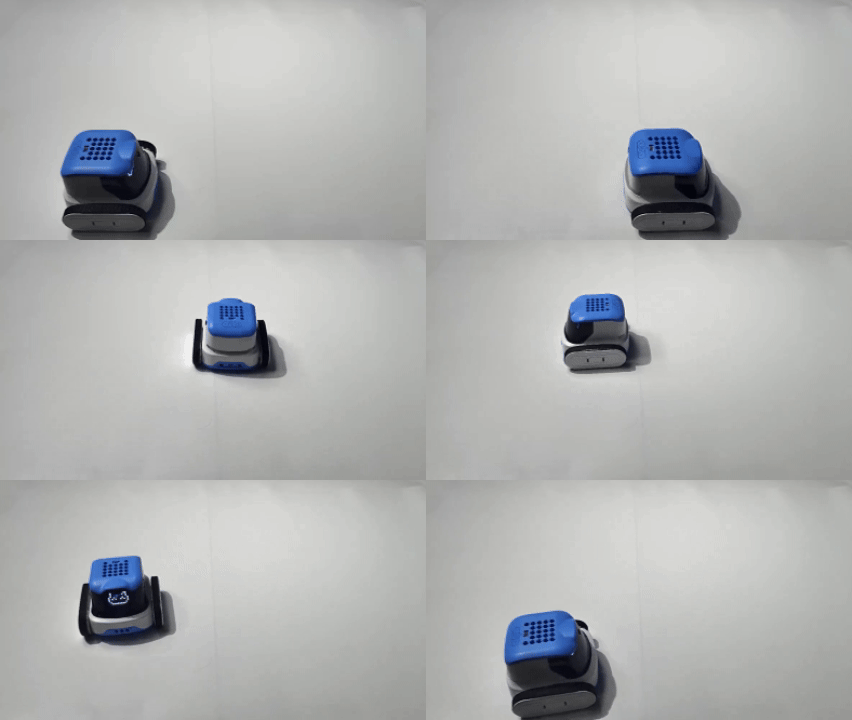
Example Program: Walking Square.
Program description: When the green flag is clicked, repeat the execution of moving forward with 50 % power, wait for 2 seconds and then the robot will turn left with 50 % power and wait for 0.75 seconds. ps: please adjust the waiting time according to the actual effect.
Program
Demonstration
Five-way Color&Gray sensor
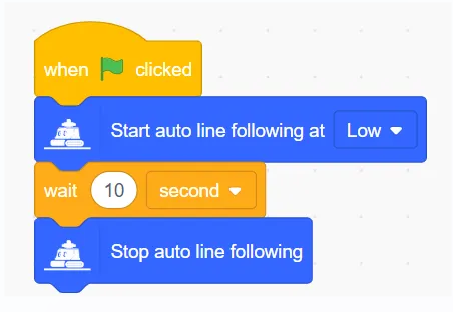
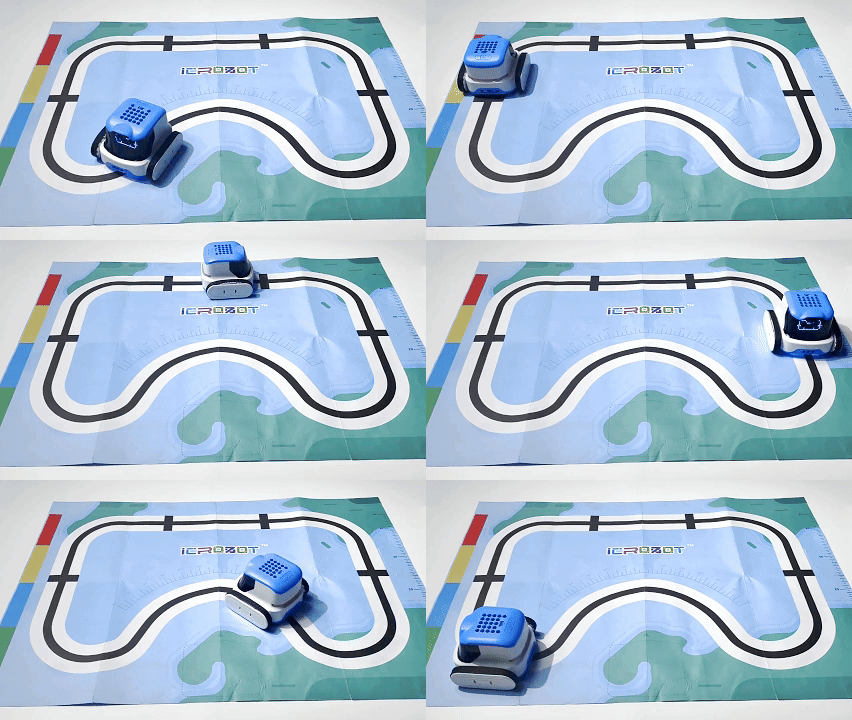
Example: Autonomous Line Following
Program description: At the beginning of the program, the robot starts the Auto Patrol in low speed mode, waits for 10 seconds and then stops the Auto Patrol.
Program
Demonstration
Speaker
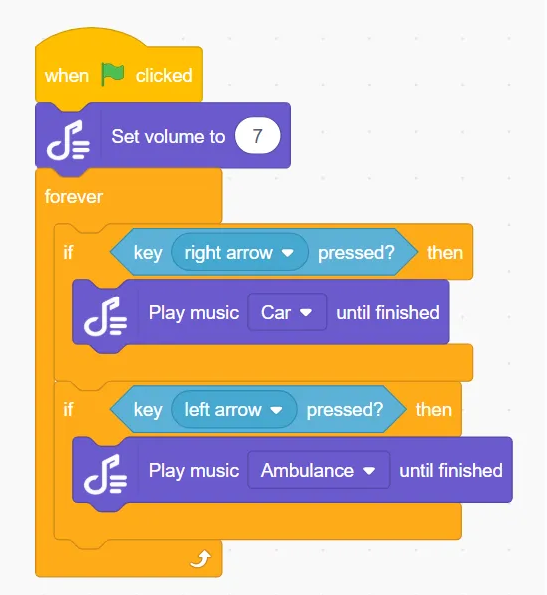
Example: Speaker Playing Sound
Program Description: Click on the green flag to execute the Program, set the volume, and the loudspeaker plays the corresponding sound by pressing the left and right buttons.
Program
Demonstration
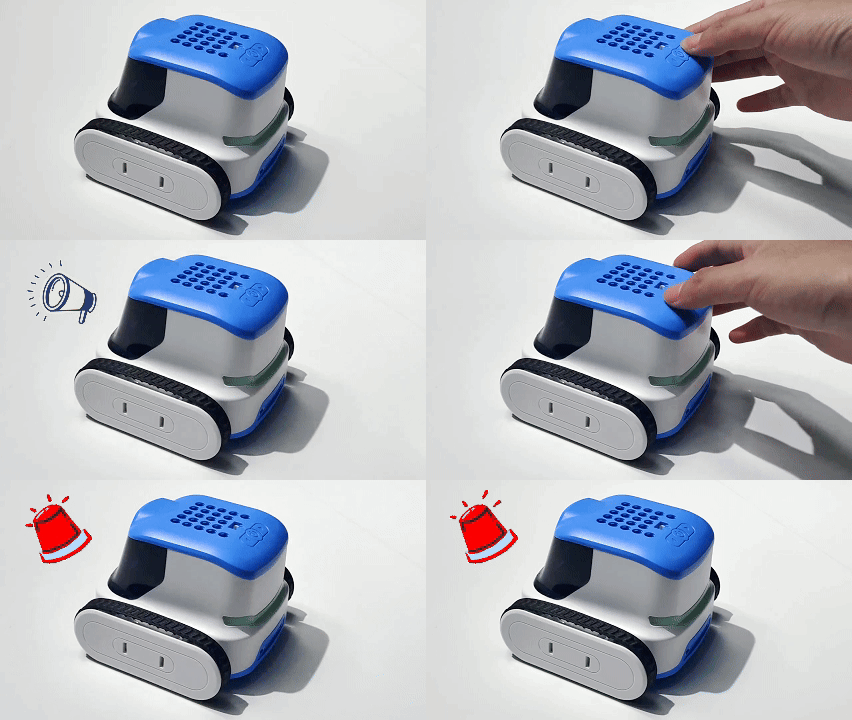
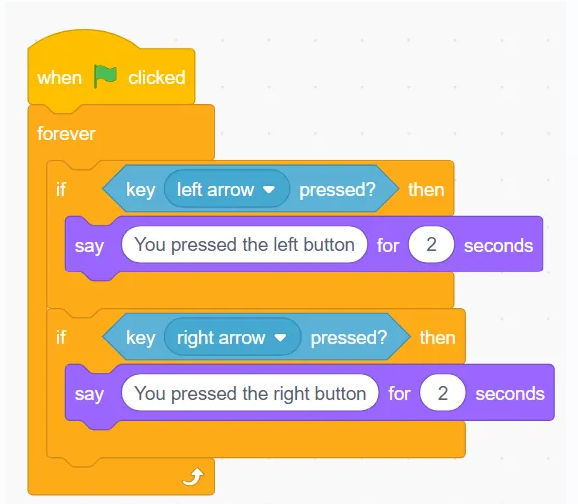
Function Button
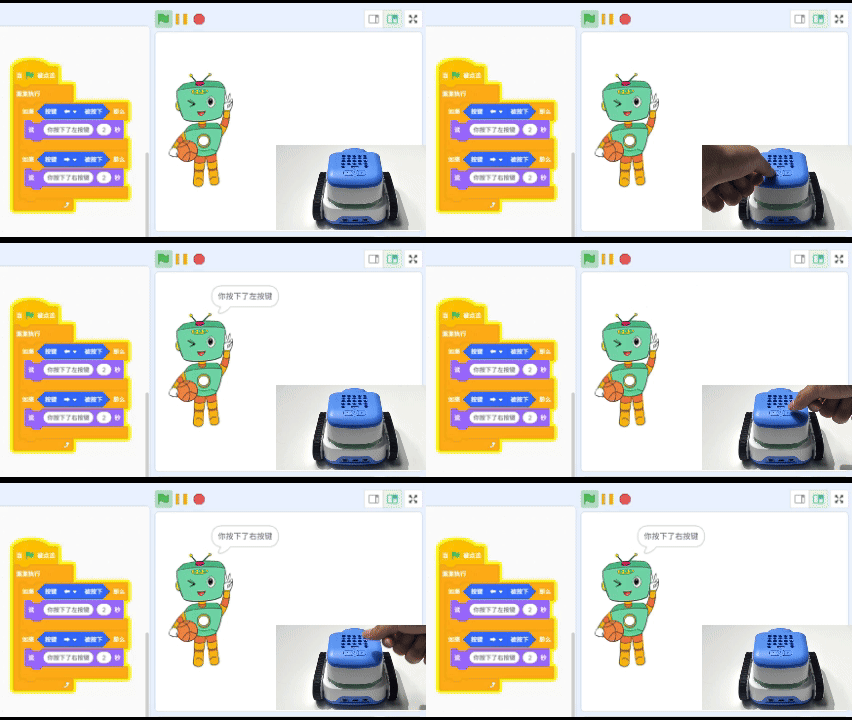
Program
Demonstration
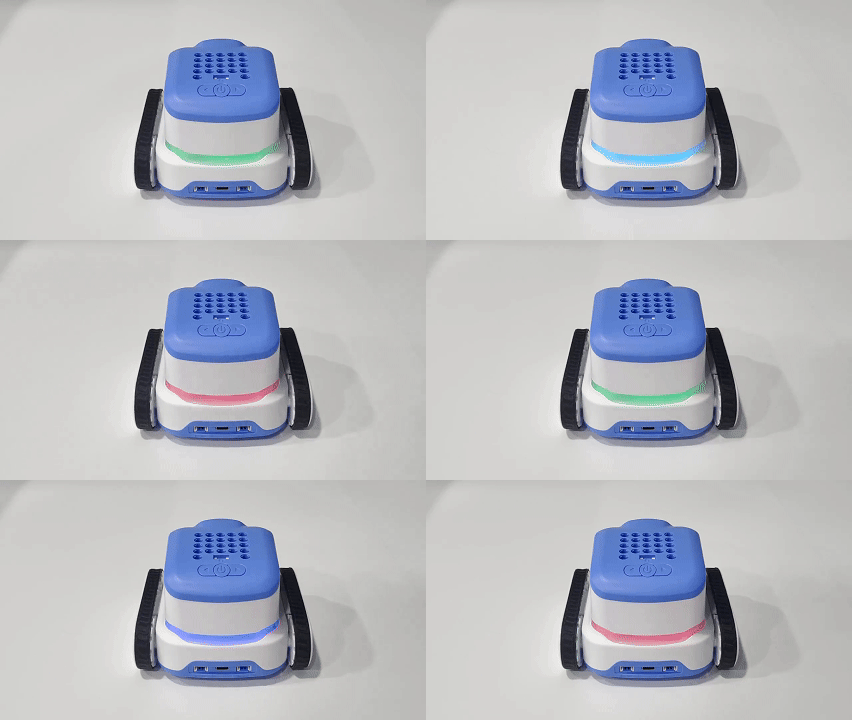
Programmable Tail Light Module
Example: Tail Light Color Change
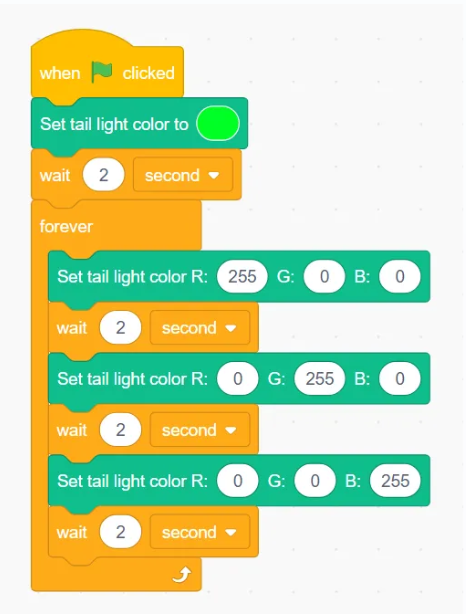
Program Description: When the program is executed, the tail light is sky blue, wait for two seconds, then the tail light changes in a cycle of red, green and blue colours.
Program
Demonstration
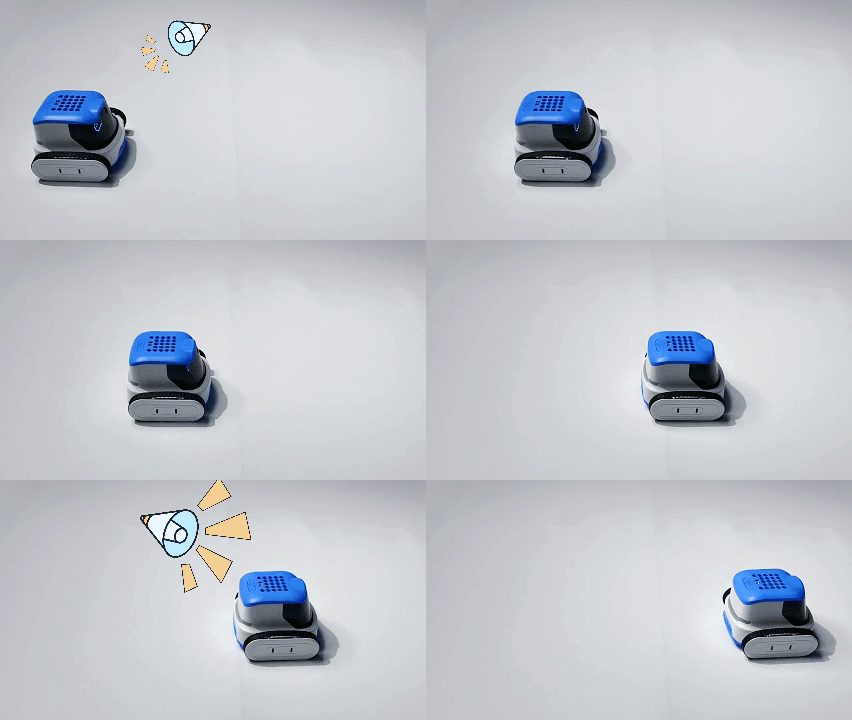
Microphone
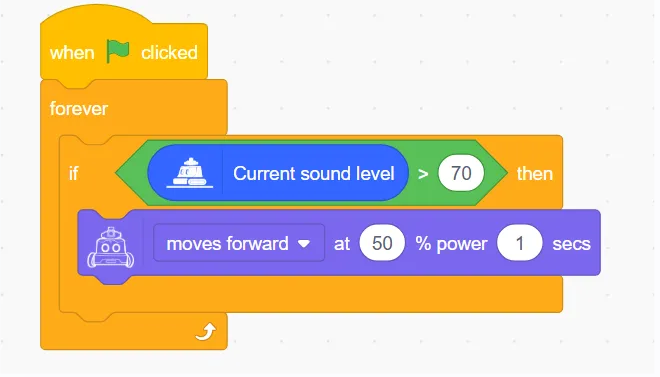
Example: Voice-controlled Robot
Program Description: When an ambient sound greater than 70 is detected, the robot advances at 50% power for one second.
Program
Demonstration