Station Mode (STA)
Definition
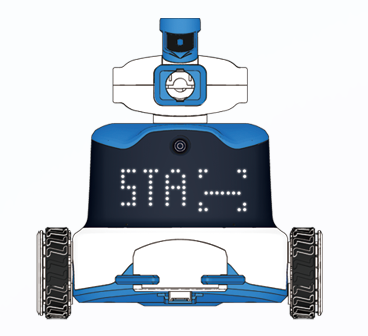
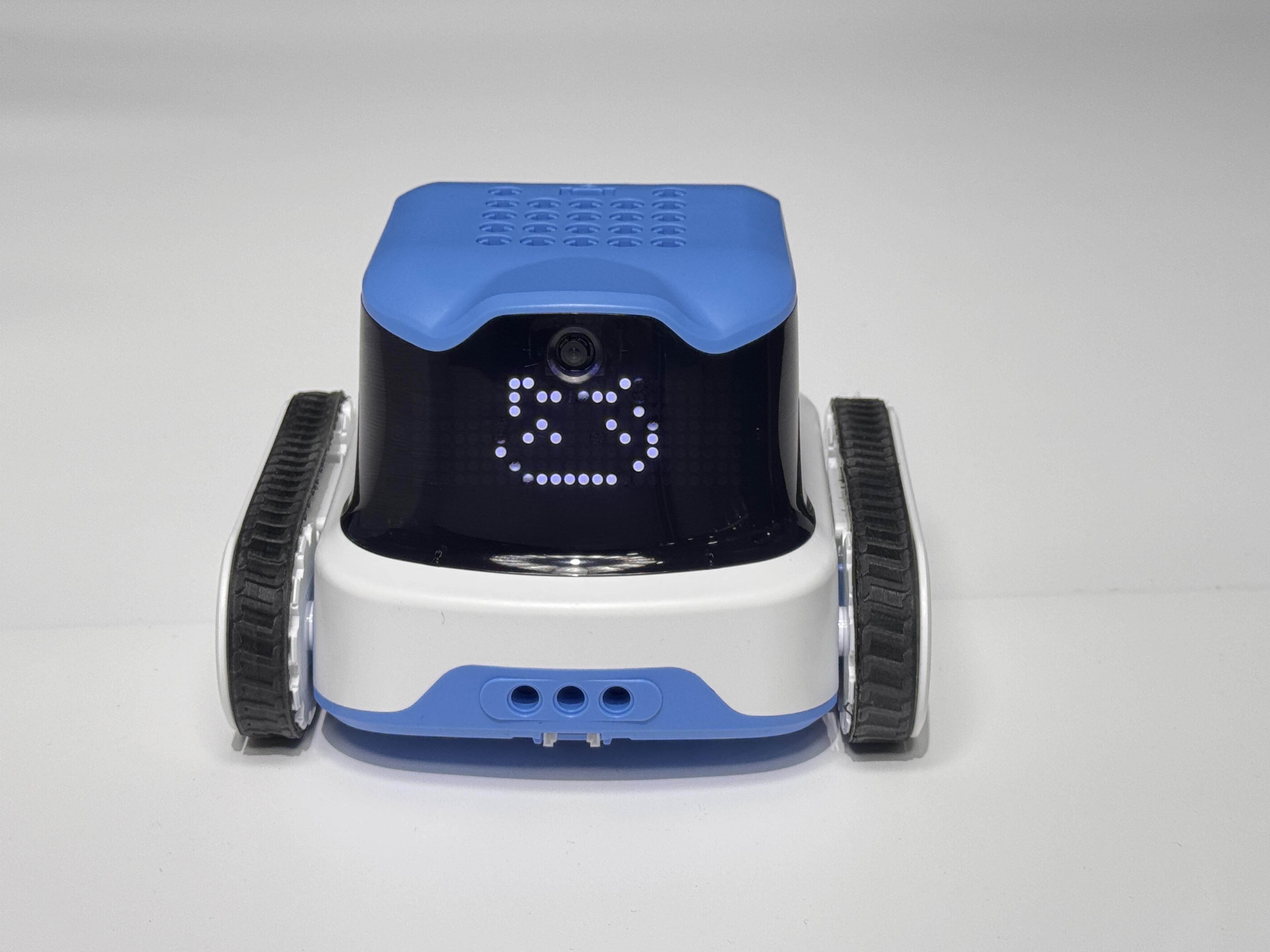
In STA Mode, the ICRobot connects to the computer’s mobile hotspot for wireless communication.
Preparation
|
|
|
|---|---|---|
A computer (Windows/macOS) |
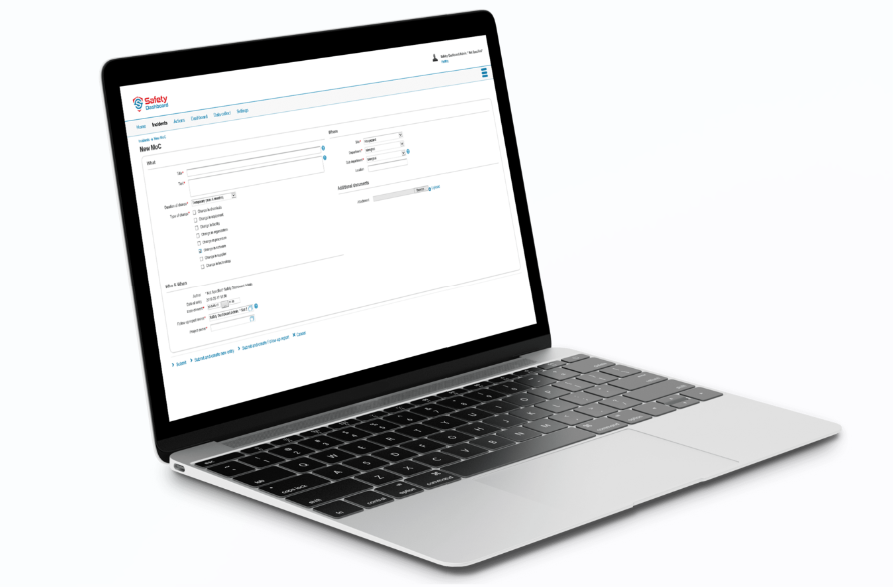
ICreateCode software |
ICRobot |

Steps
|
|
|---|---|
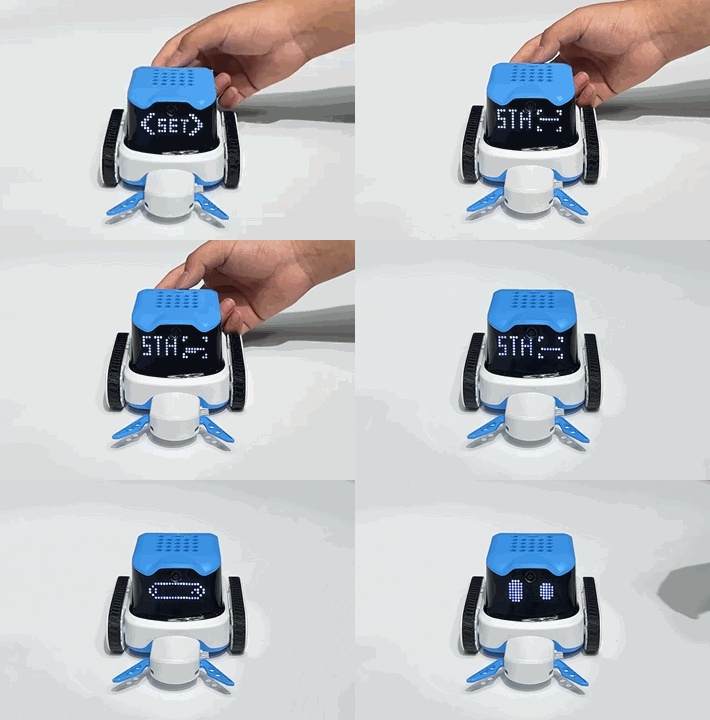
Step 1: Power on the ICRobot. After startup, press the left or right button to switch to SET Mode, then press the power button to enter. |
Step 2: In SET Mode, press the left or right button to switch to STA Mode, then press the power button to confirm. |
|
|
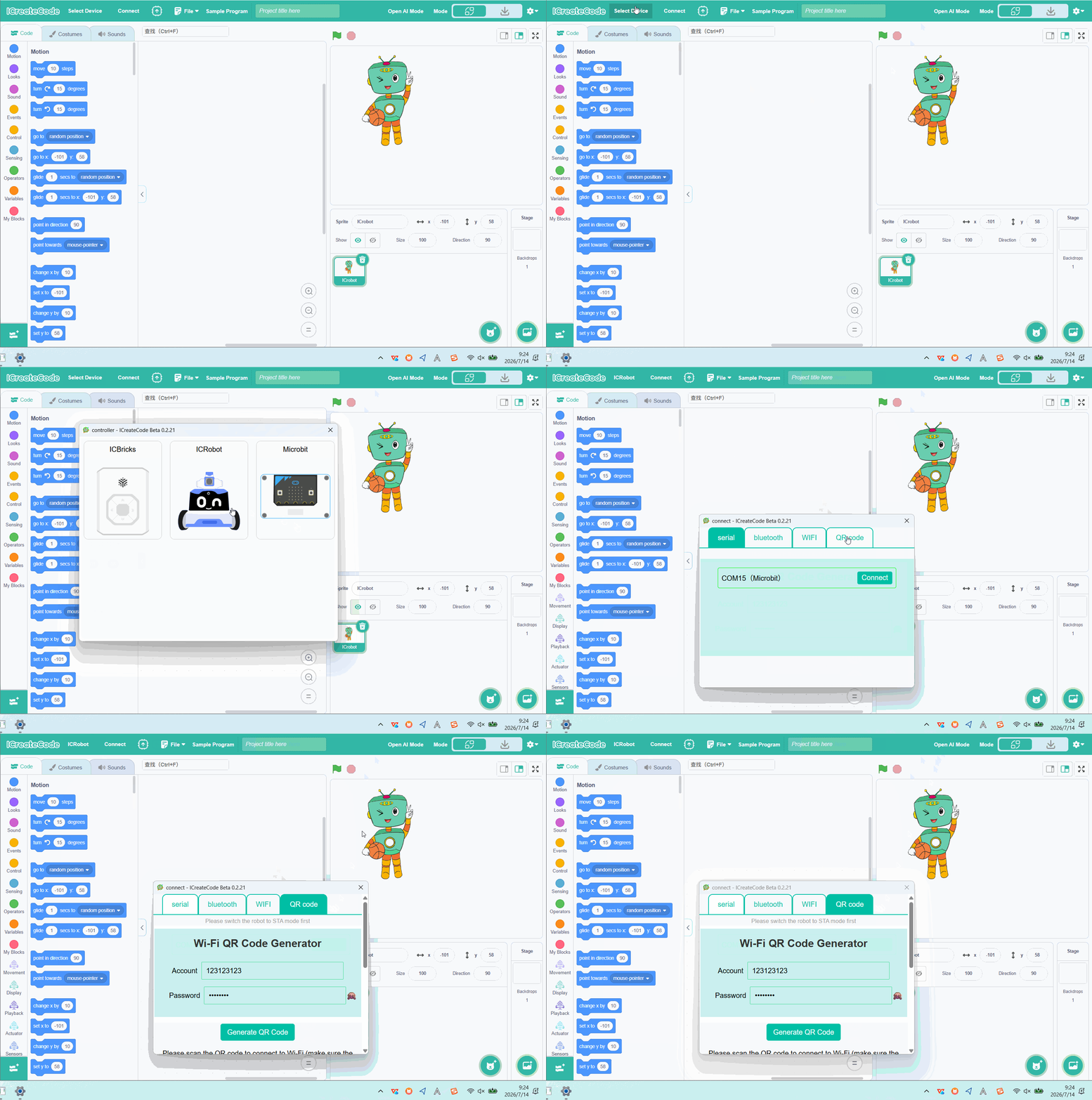
Step 3: Open the ICreateCode software. Click “Select Device”, choose “ICRobot”, and in the pop-up dialog, select “QR Code”. |
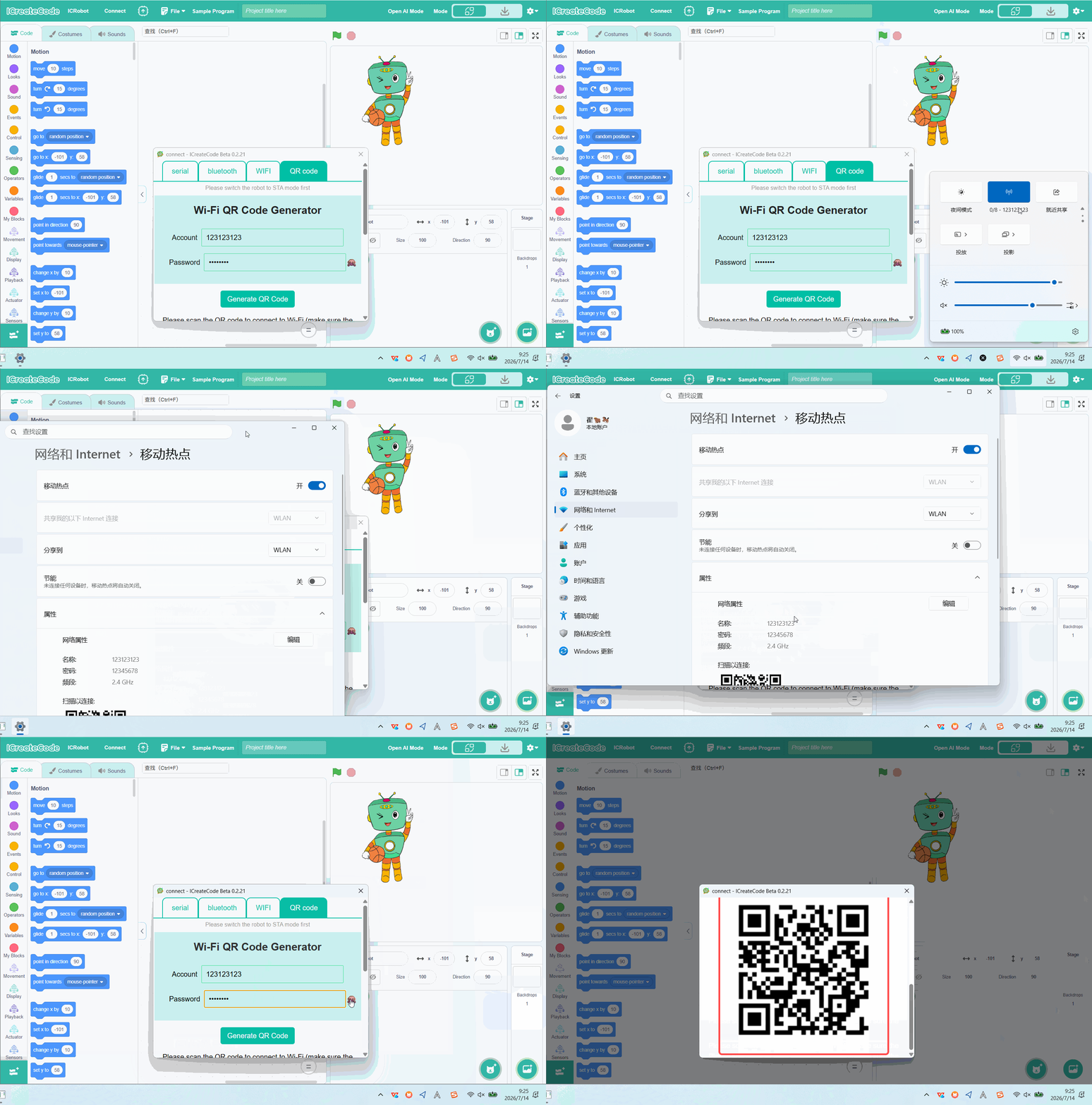
Step 4: On your PC, turn on Mobile Hotspot. |
|
|
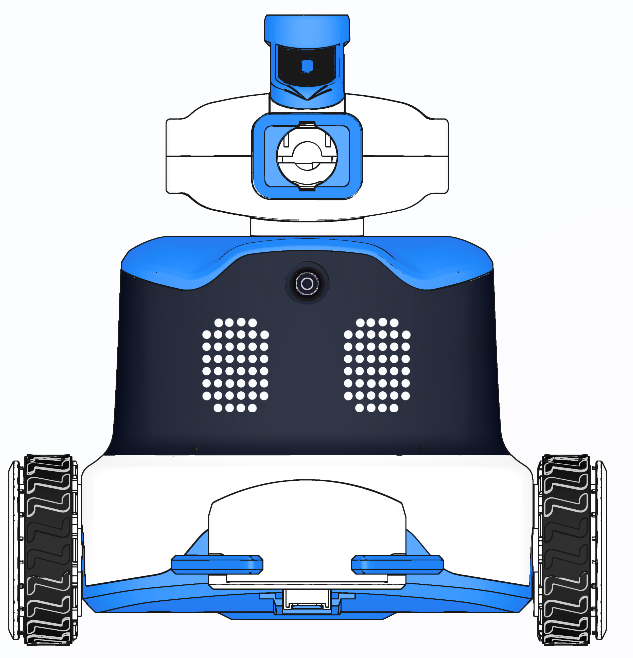
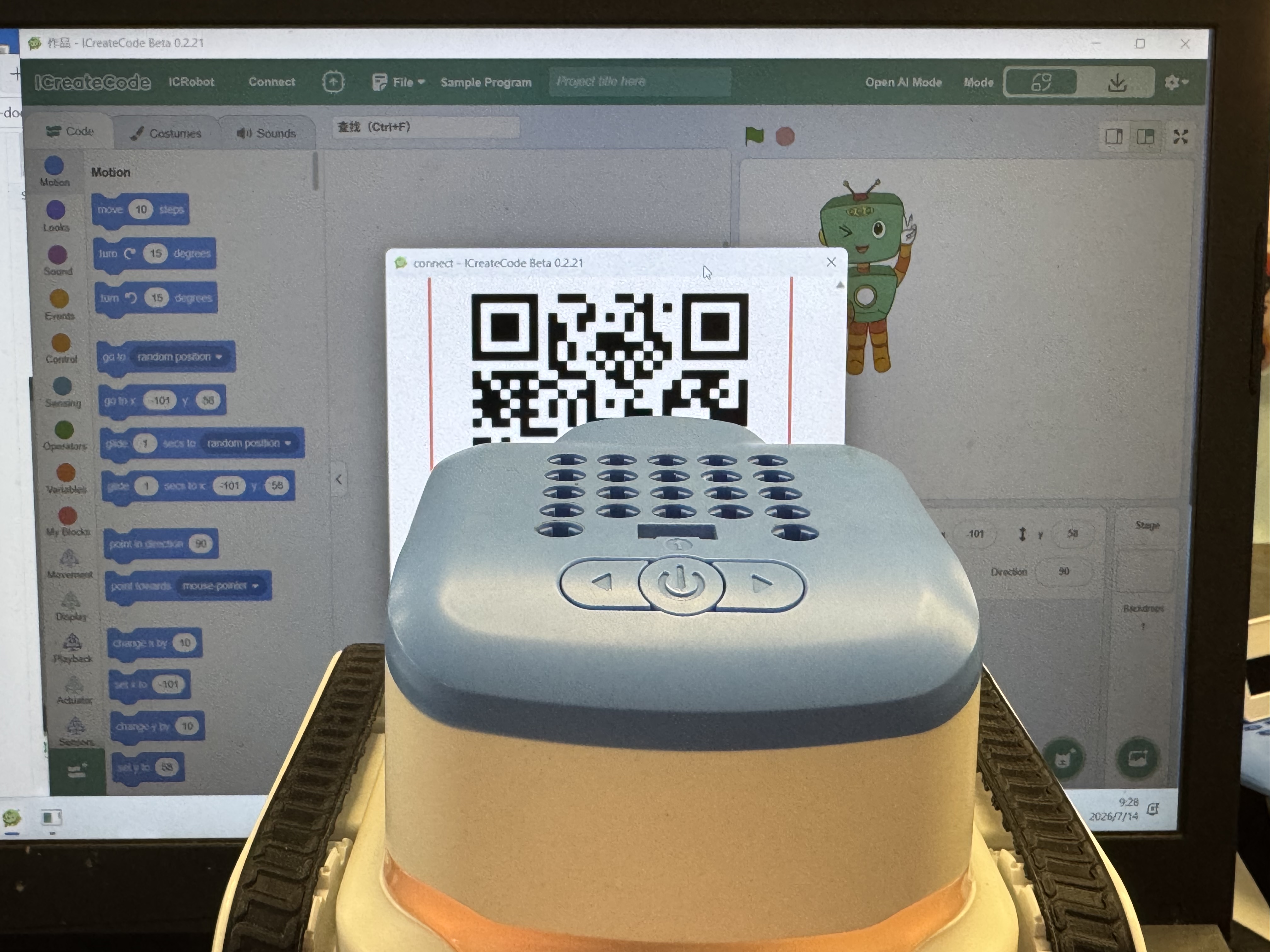
Step 5: Have the ICRobot camera scan the QR code displayed on the screen to complete network configuration. |
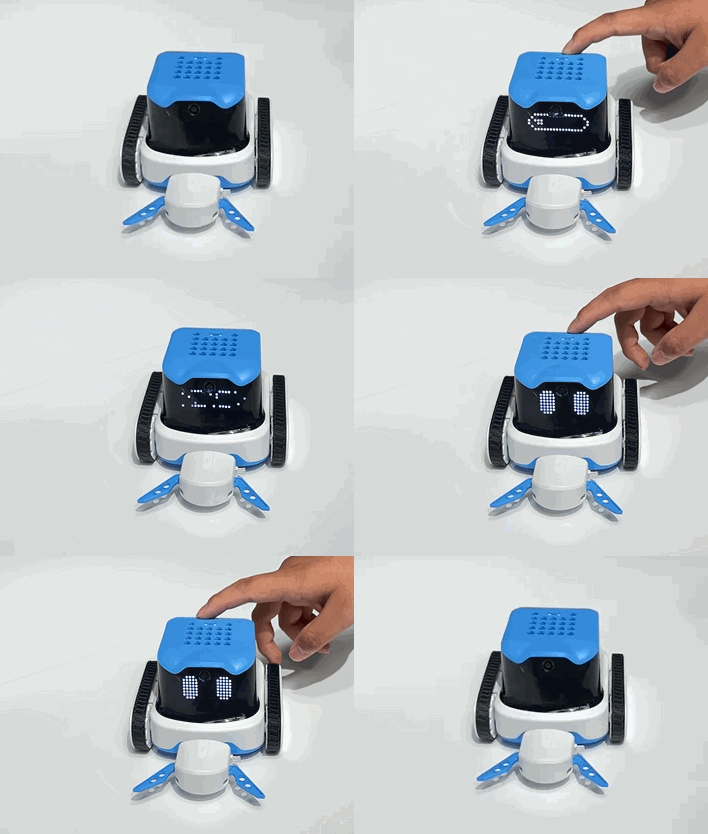
Step 6: Once connected, the robot will: |
To Disconnect
To disconnect, simply turn off the mobile hotspot on your computer.