Extended Block Addition Method
To enrich the programming experience with ICRobot, users can add extension blocks. These blocks function like modular add-ons in block-based programming. By dragging and combining them, users can create more advanced and diverse functionalities. For example:
Face Recognition Block: Detects and recognizes human faces in images. Suitable for interactive scenarios.
Color Recognition Block: Identifies the color of an object. Useful for sorting, tracking, and classification tasks.
These extensions make ICRobot’s coding more intuitive and powerful — ideal for users of different ages and skill levels.
Note: Extensions can only be used in Interactive Mode.
|
|
|---|---|
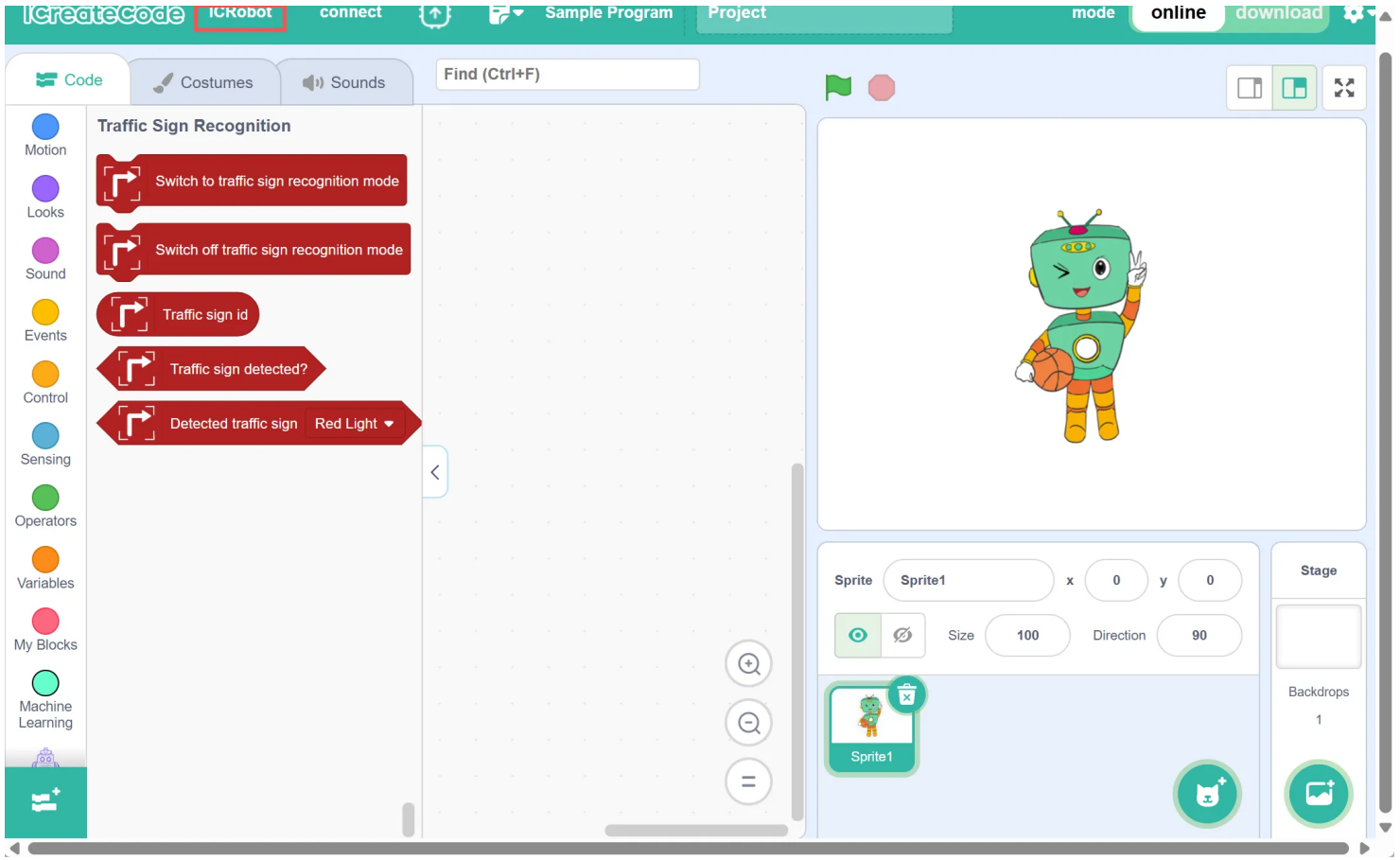
Step 1: Open the software and make sure you are in ICRobot Mode. |
Step 2: Click the “ |
|
|
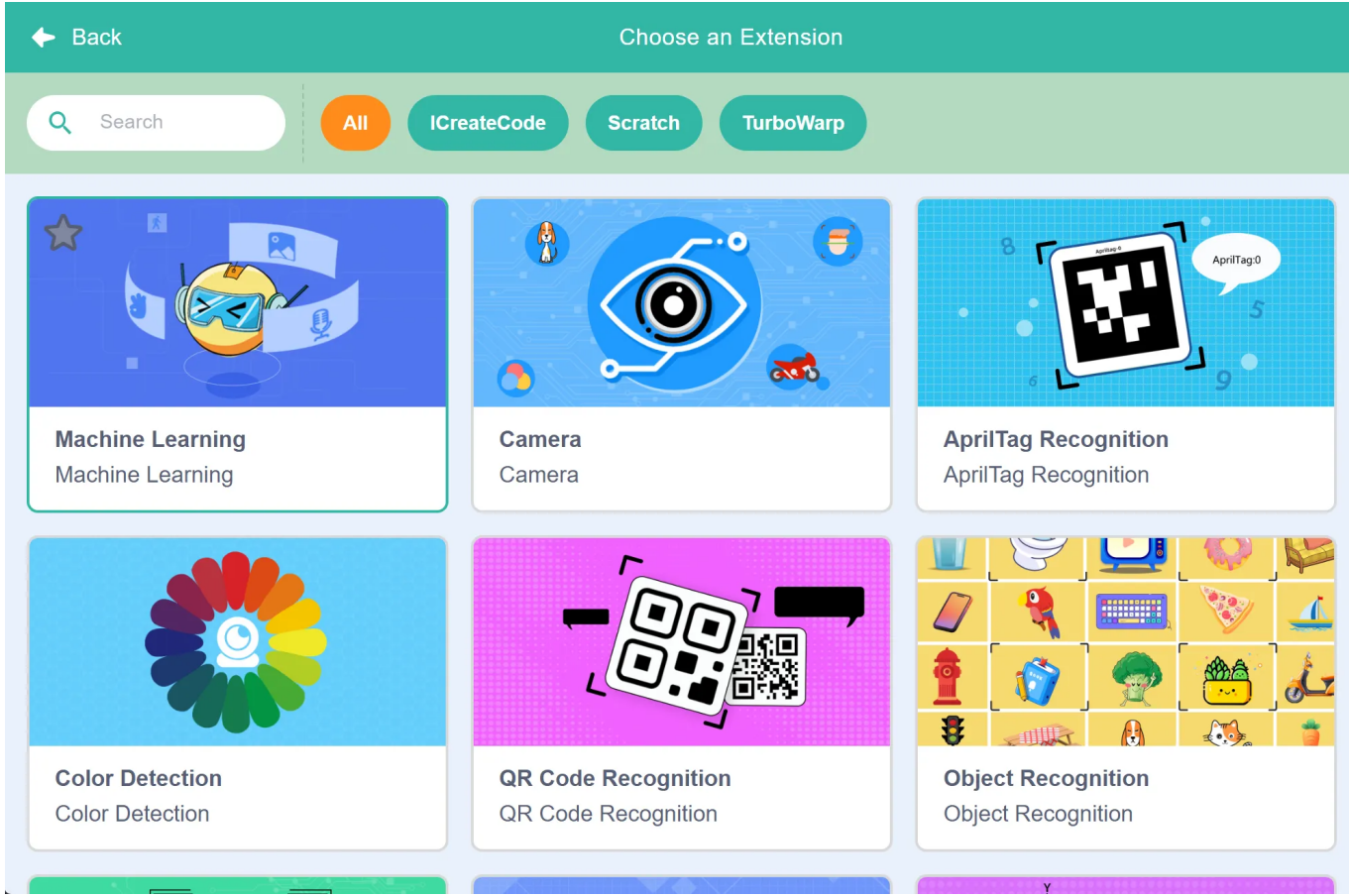
Step 3: In the extension window, select the block you wish to add. |
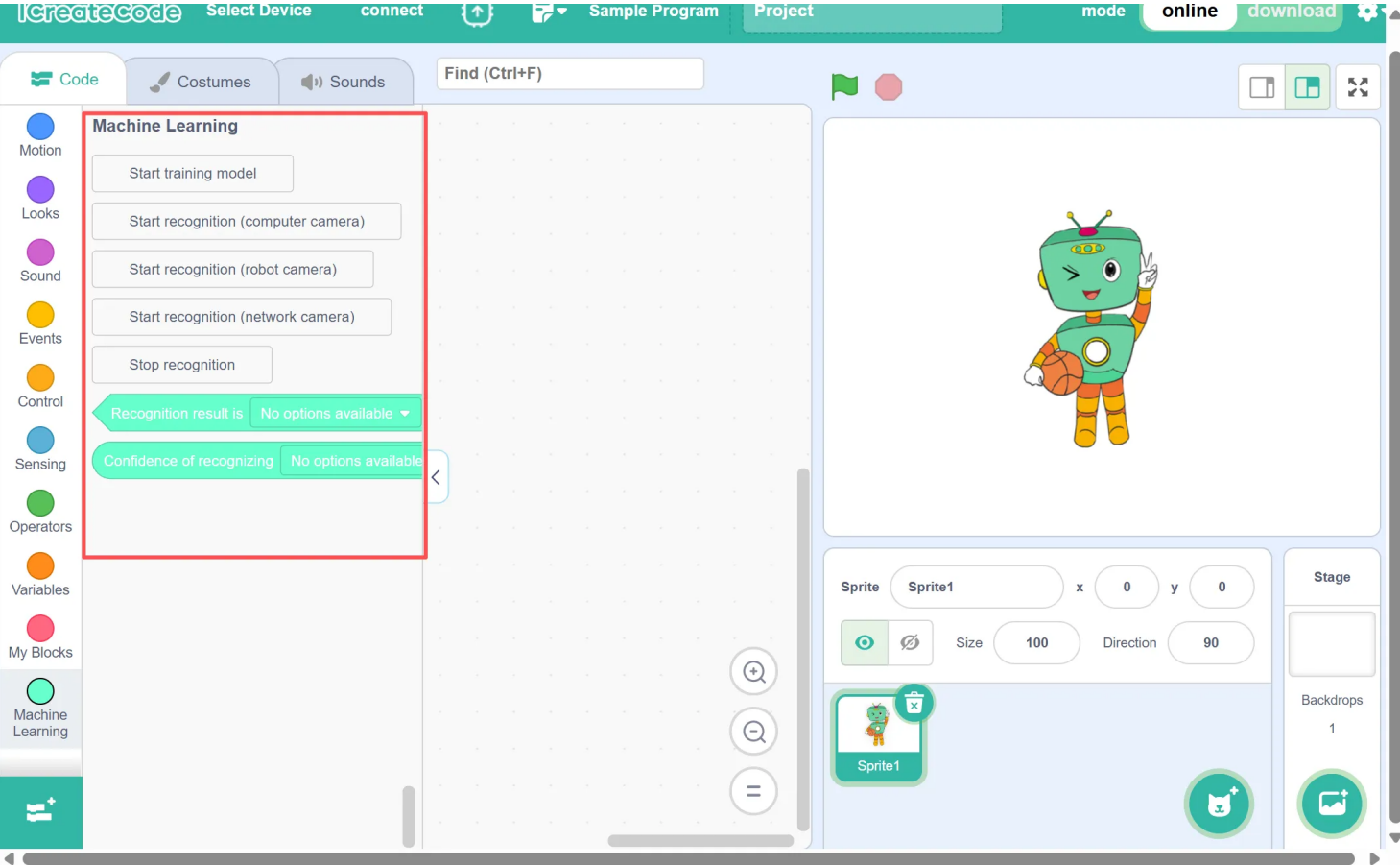
Step 4: Once added successfully, the new blocks will appear in the Block |
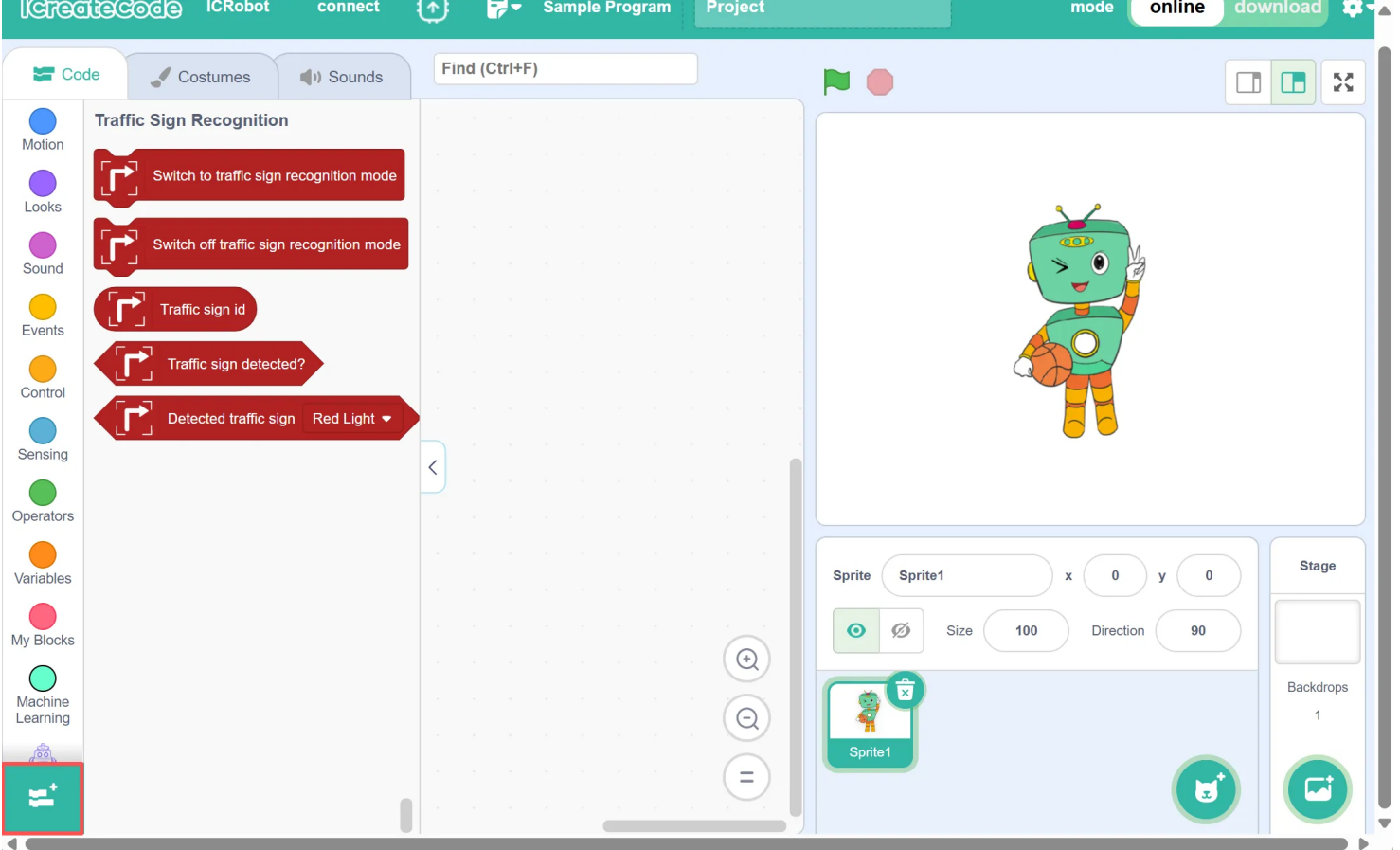
 ” button at the lower-left corner of the screen.