Face Detection Blocks
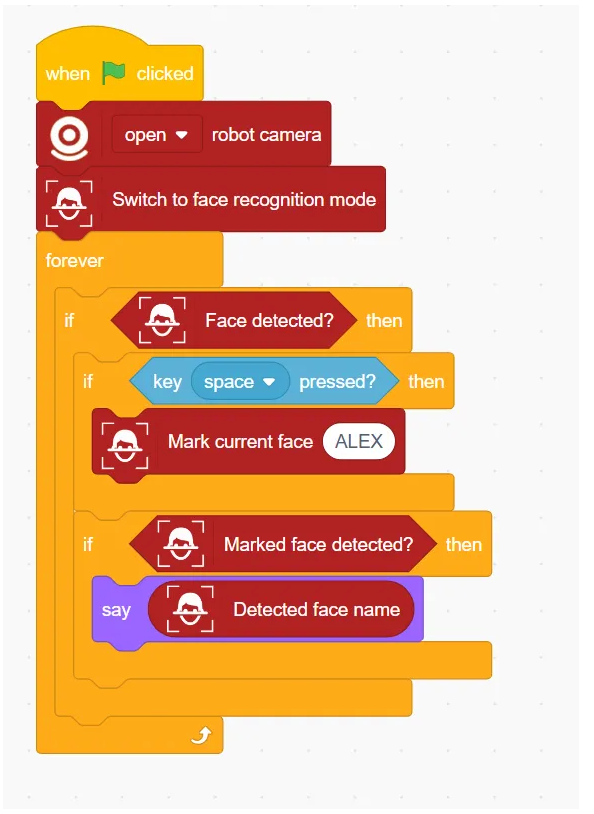
Example
Switch to face recognition mode
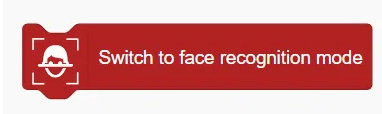
Enable Face Recognition Mode
Switch off face recognition mode
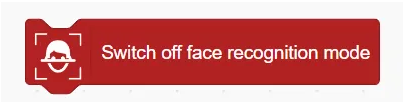
Disable Face Recognition Mode
Face detected?

Determine if a face is detected
Number of faces detected
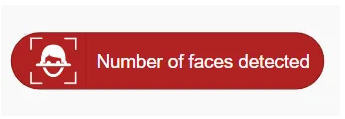
Returns the number of faces detected
Get face position ()

Get face position (X or Y)
Get face ()

Get the position information of the face in the x or y axis.
Mark Current Face ()

Mark the current face as a specified name (for subsequent recognition)
Reset faces

Reset (delete) all marked faces
Marked face detected?

Determine whether a marked face has been detected
Detected face name

Returns the name of the detected face