Color Position Tracking Blocks
Example
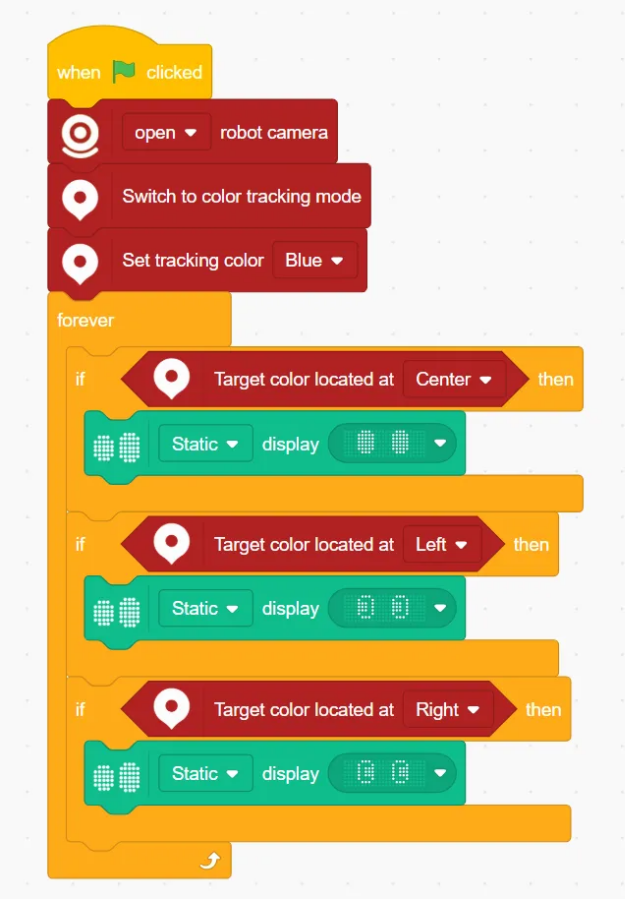
Switch to color tracking mode
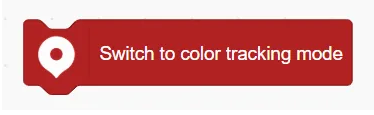
Activates the color position tracking mode.
Switch off color tracking mode

Deactivates the color position tracking mode.
Set tracking color ()

Sets the color to be tracked.
Target color is located at ()

Determines where the target color appears on the screen: Center / Left/ Right/ Top/ Bottom.